
Pocket Coruña
Explore A Coruña with a handy city guide: discover places and events, get around easily, check the weather and make the most of every day.
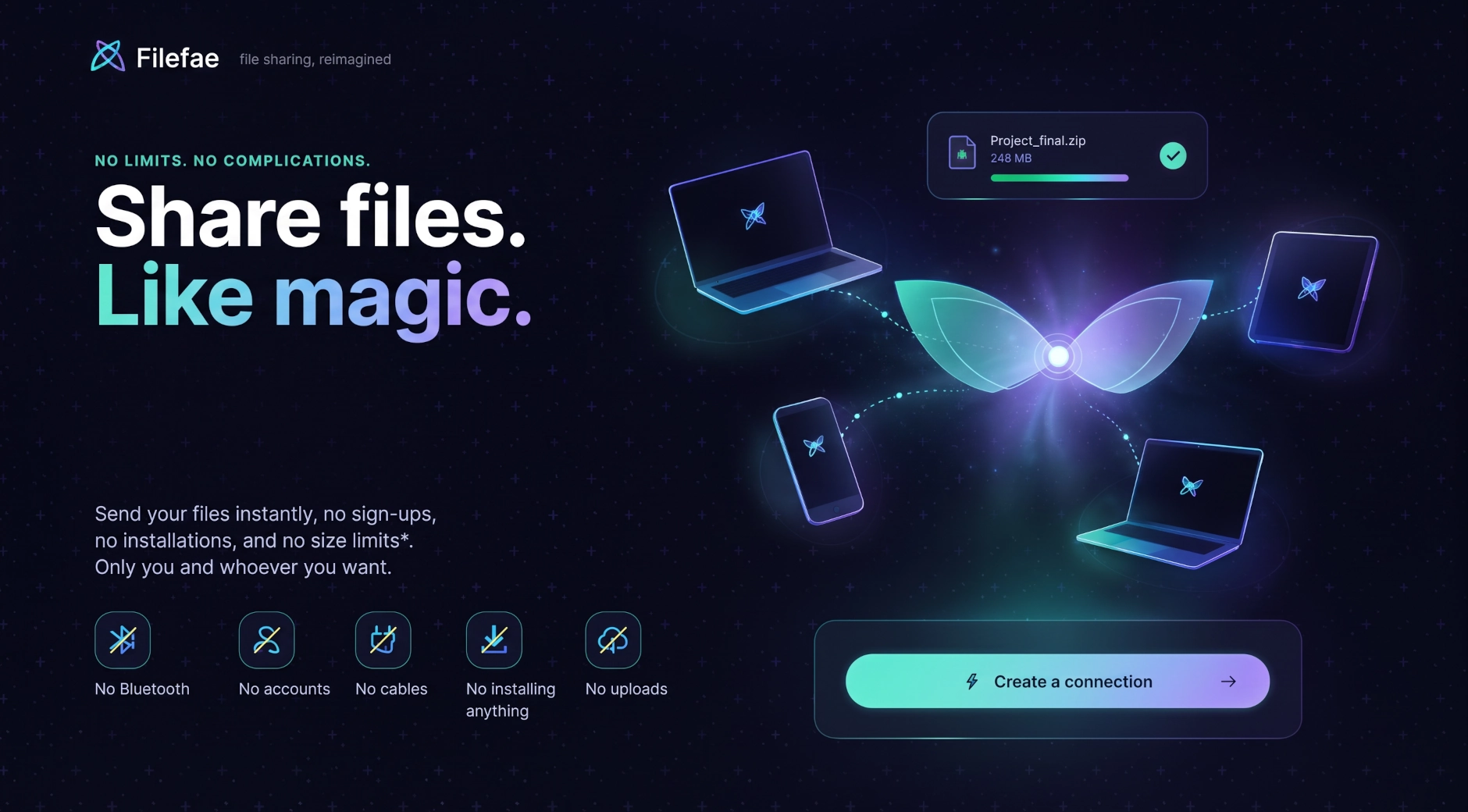
You’ve got a file on your phone and you need it on your laptop, right now, and every option in front of you is worse than it should be: emailing it to yourself, dragging out a cable, fighting with Bluetooth pairing, or uploading it somewhere just to download it again two minutes later. Filefae is built to make that whole detour unnecessary. Open it on both devices, connect them in a couple of taps, and send the file straight across — phone to phone, PC to PC, or phone to PC, in any direction.
Open Filefae on the device that has the file and tap to start a connection. On the other device, scan the QR code it shows you — or just open the link it gives you, if scanning isn’t convenient. The moment the two devices connect, a private, end-to-end encrypted channel opens directly between them, and the file moves straight from one to the other. No account, no app store, no setup.
Because the transfer happens device to device, over an encrypted channel, your file isn’t sitting on some server in between while it makes the trip. You can send it without creating an account at all, with files up to 512MB. If you sign in — which is optional — that limit goes up to 2GB, useful for larger files like videos or full folders zipped together.
Filefae doesn’t ask you to install anything, doesn’t need Bluetooth or a shared Wi-Fi network, and works the same way whether you’re moving a file between two phones, two computers, or one of each.
Concept to value
Explore A Coruña with a handy city guide: discover places and events, get around easily, check the weather and make the most of every day.

Edit, enhance, and transform your images with practical tools for photo retouching, scene expansion, and quick visual variations.

Convert Word, Excel, PowerPoint, PDF, CSV, and more into Markdown right in your browser, without uploading your files to any server.
Create original stories from every dice roll, combine unexpected ideas, and turn each session into a different shared adventure.